Live life, don’t watch it.

Get waived?

How it works

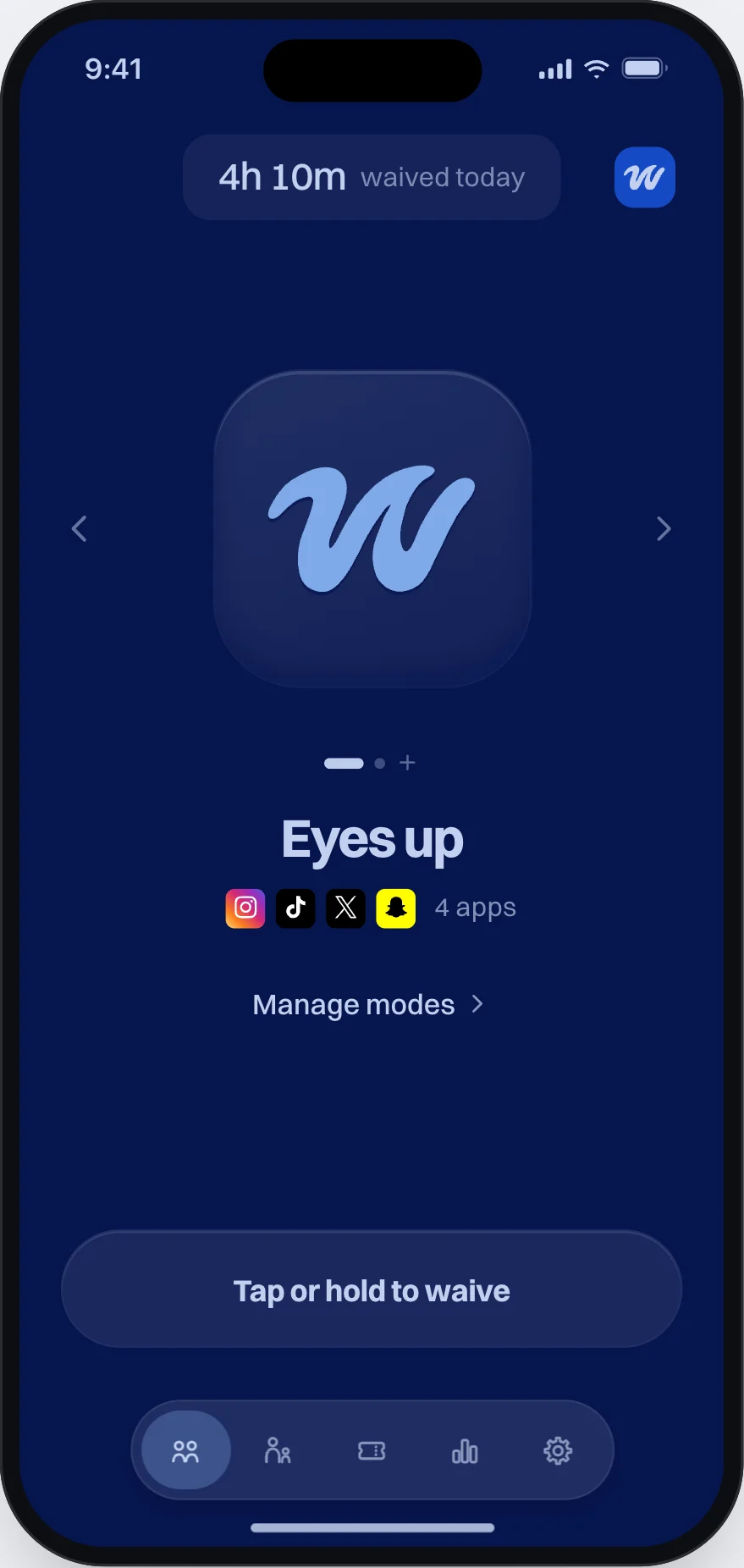
  1. Waive home screen, dark while your apps are open, with the apps you picked ready to waive.

    1Pick your apps.

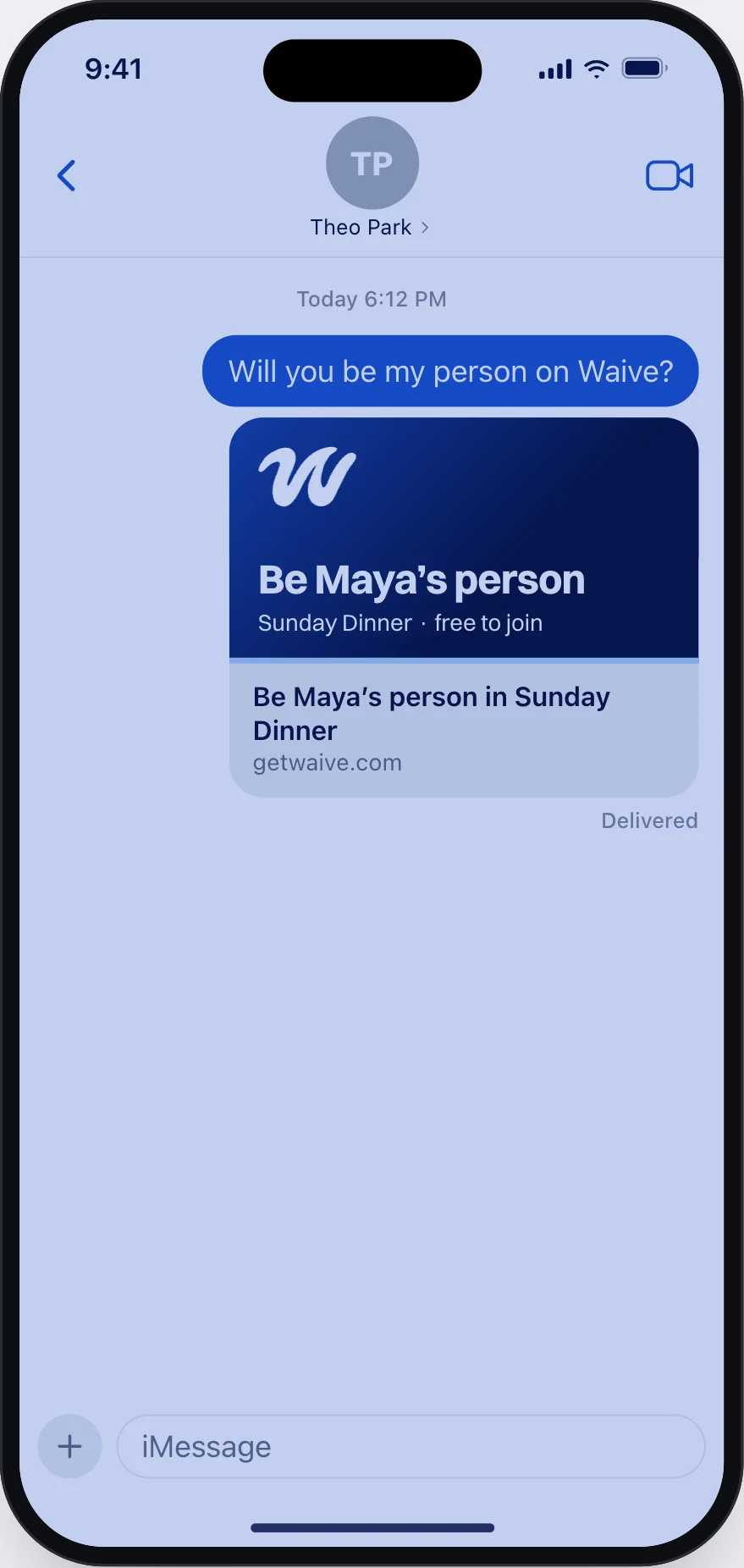
  2. An iMessage inviting Theo to Maya’s group on Waive, free to join.

    2Pick your people.

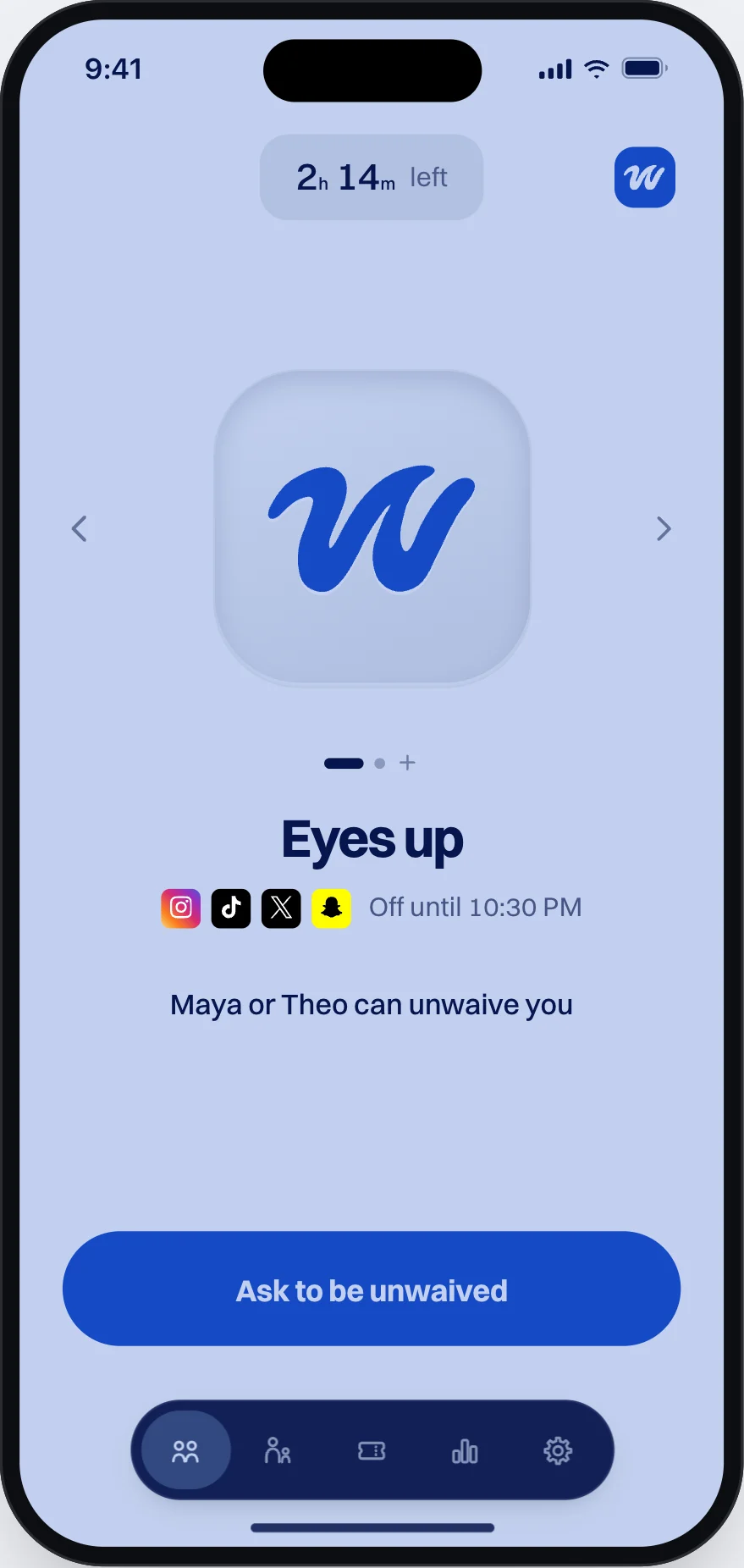
  3. Waive home screen, light while waived, until 10:30 PM. Maya or Theo can unwaive you.

    3Waive your phone.

Ask to be unwaived

  1. The screen you see when you open a waived app, with an Ask to be unwaived button.

    1Open a waived app.

  2. The Ask to be unwaived sheet: Maya and Jordan picked, 15 minutes chosen.

    2Ask your people.

  3. A friend’s phone: Theo asked to be unwaived, with a button to unwaive Theo for 15 minutes.

    3They tap once.

Maya unwaived you for 15 minutes.

Friends, family, events

Friends

Waive each other. Friends join free.
Family

Parents set the rules. Kids can’t change them.

Host an event

Guests join with a code. Calls and Emergency SOS always work.

A guest’s view of an event in Waive: phones open at 11:30 PM, calls and Emergency SOS work.
Package
Guests

Paid once with Stripe. Guests join free.

Another room beats face down.

Ward, Duke, Gneezy & Bos (2017), Journal of the Association for Consumer Research.

Only the person who starts a group pays.

Two weeks free. Friends join free.

Pro

$14.99 a month or $49.99 a year

Up to 3 groups

Max

$29.99 a month or $79.99 a year

Up to 10 groups

Events

$149.99 or $299.99 once

Up to 50 or 200 guests

Waive for groups

Questions

More? info@getwaive.com

Can I still call?

Yes. Calls and emergency numbers always work, at events too.

Who pays?

Only the person who starts a group. Friends join free.

Can my kid change the schedule?

No. Parents set the rules. A child picks apps on their own iPhone, with a parent.

Can guests leave an event early?

No. The host waives everyone together, until the end time.

What do my people see?

Your request and one button. Never your list of apps.

Does it work on Android?

No. Waive needs an iPhone.

Scan with your iPhone.

QR code for Waive on the App Store Open the App Store page